
slidewizard.ai / Features / Power-Tools
Free in the add-inBuild slides from
proven building blocks.
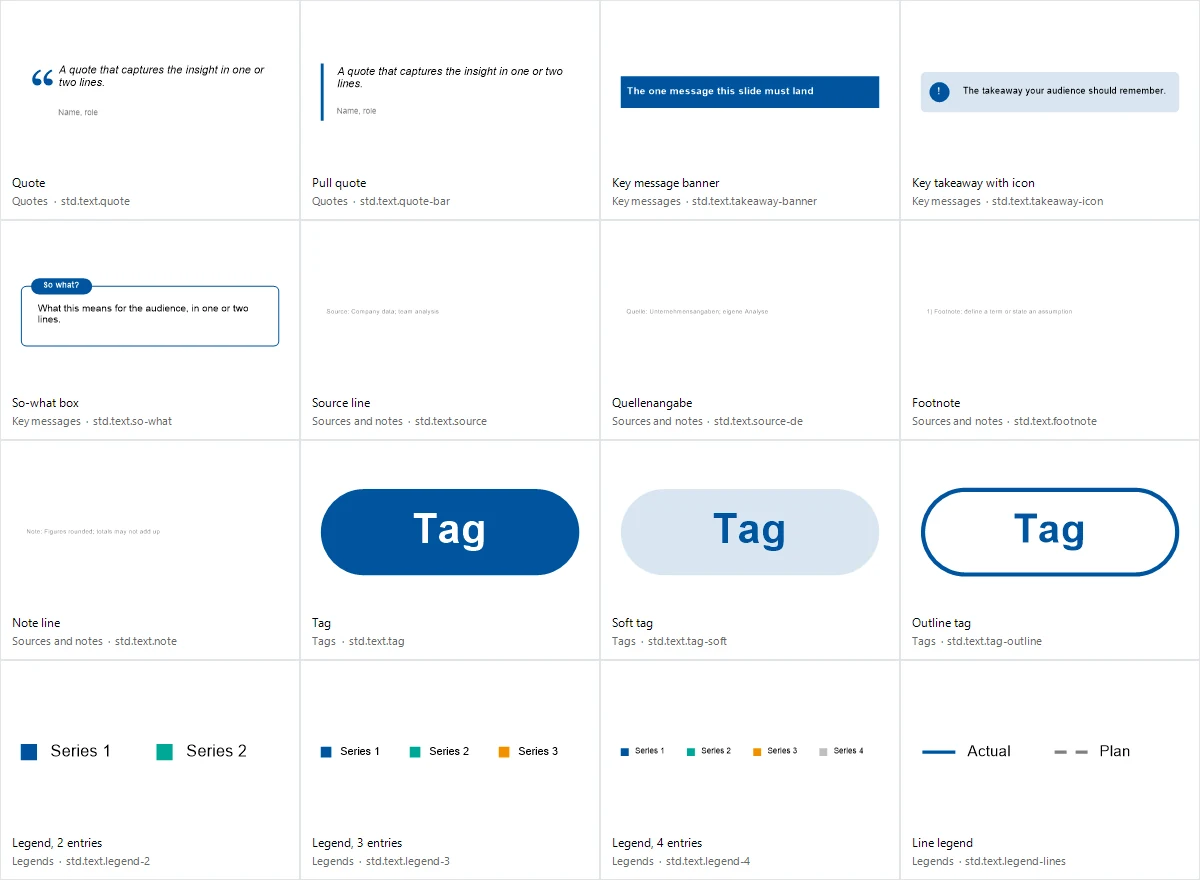
176 elements in your deck colours: process chevrons, timelines, pyramids, matrices, Harvey balls, status pills, callouts, stamps and more.
 Agent
Agent 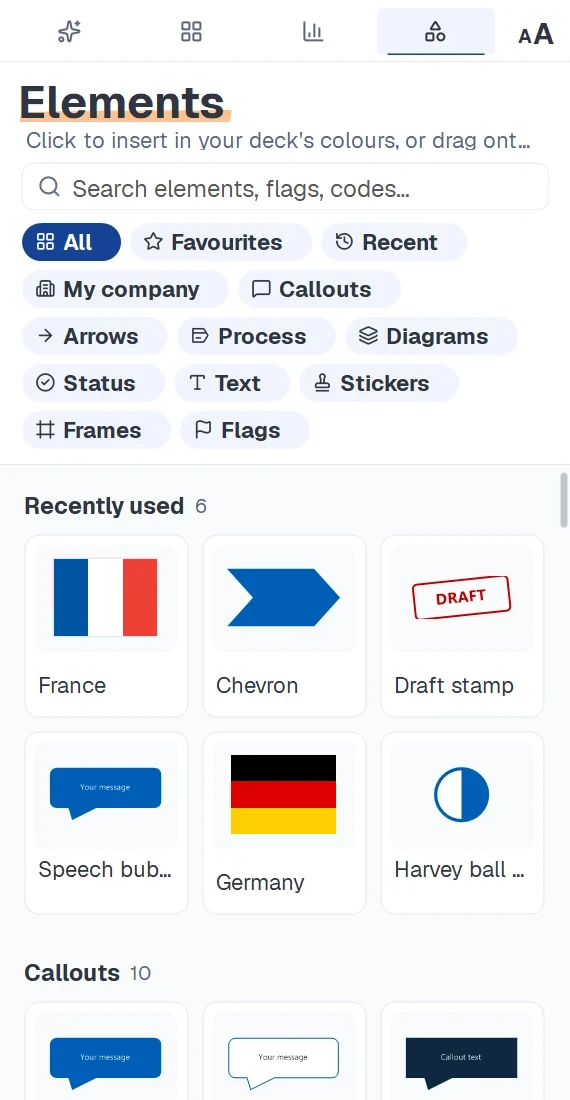
Element library
Timeline, matrix or pyramid on your slide in one click.
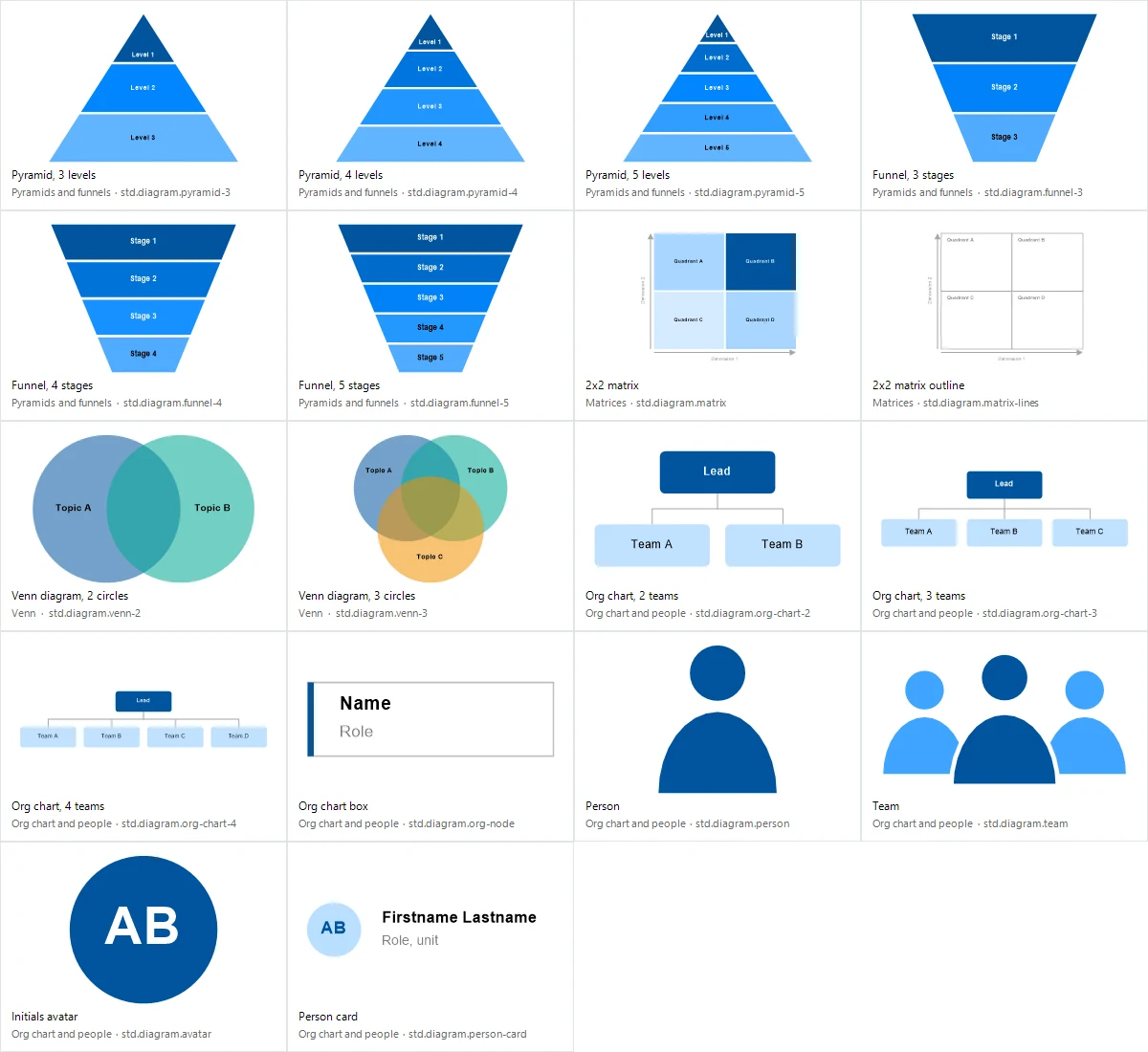
Many building blocks come in several sizes, such as the chevron process with 3 to 7 steps or the pyramid with 3 to 5 levels. You pick the count right on the tile.
- Chevron process · 3–7 steps
- Timeline · 3–6 milestones
- Agenda tracker
- Pyramid · 3–5 levels
- 2×2 matrix
- Funnel · 3–5 stages
- Org chart
- Harvey balls
- Traffic lights
- Rating stars · 1–5
- Status pills
- Speech bubble
- Number badge
- Key takeaway
- "Draft" stamp
- Source line
- 256 country flags
176 elements in total, plus your own company elements. Every element uses your deck colours.
Tools
Tools for the finishing touches.
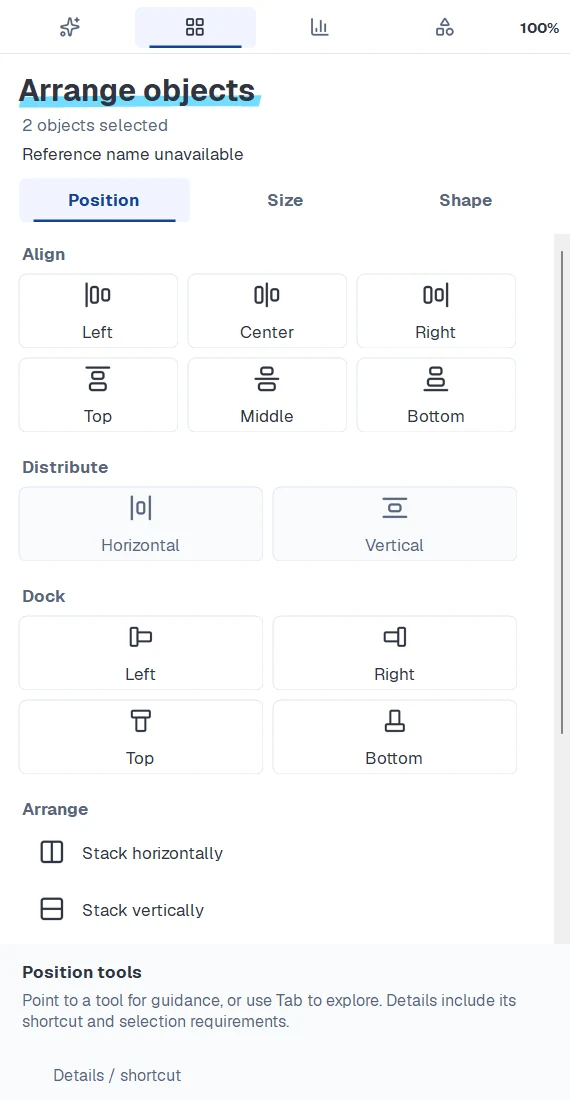
Align & distribute
Align, distribute, dock and stack objects, then stretch and fill them to fit.
Keyboard shortcuts
Your most frequent layout moves on the keyboard, with shortcuts you set yourself.
Agenda
Create an agenda and update it when sections or slide order change.
256 flags
Every country flag as a crisp vector, searchable in English and German.
Icons
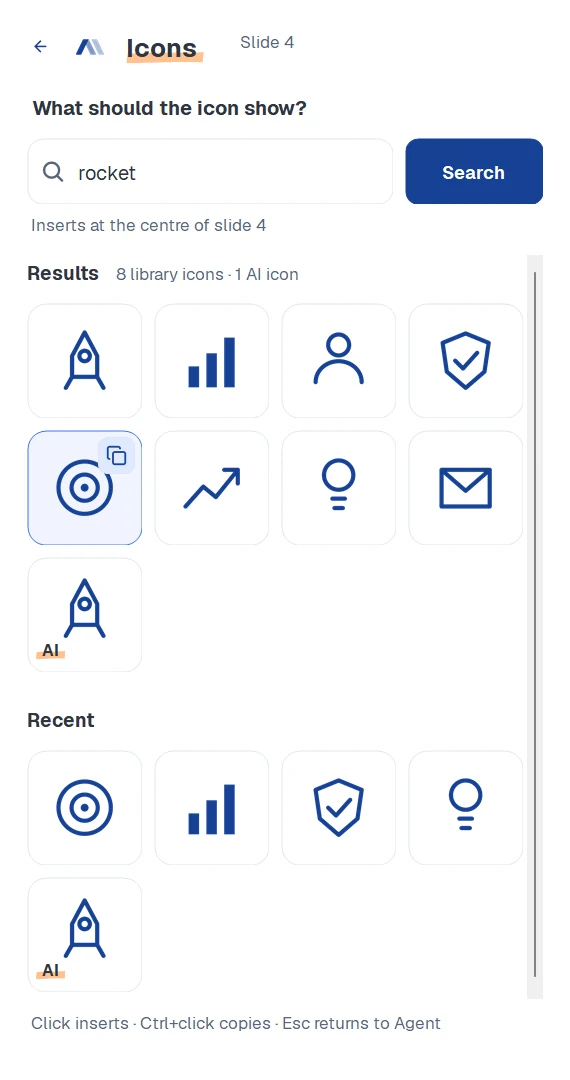
Search a large icon library and insert icons in your brand colour. With the AI-Slide-Engine, the AI draws missing ones for you.
Company elements
Import your own building blocks as a ZIP and find them under "My company".
Deck colours
Every element takes on your master’s colours, and text stays easy to read.
Placed where it belongs
Diagrams land next to your selection, sources at the bottom, trackers top right.
Icons
The right icon, in your colour.
Pick an icon from the library and insert or copy it, always in the main colour of your master. If nothing fits, the AI draws a new one with the AI-Slide-Engine.
- Ctrl + Alt + I opens the icon search
- Vector graphics that can be recoloured
Examples
A look into the library.
Show us your toughest deck.
slidewizard is in closed beta. Request access and we will set you up.